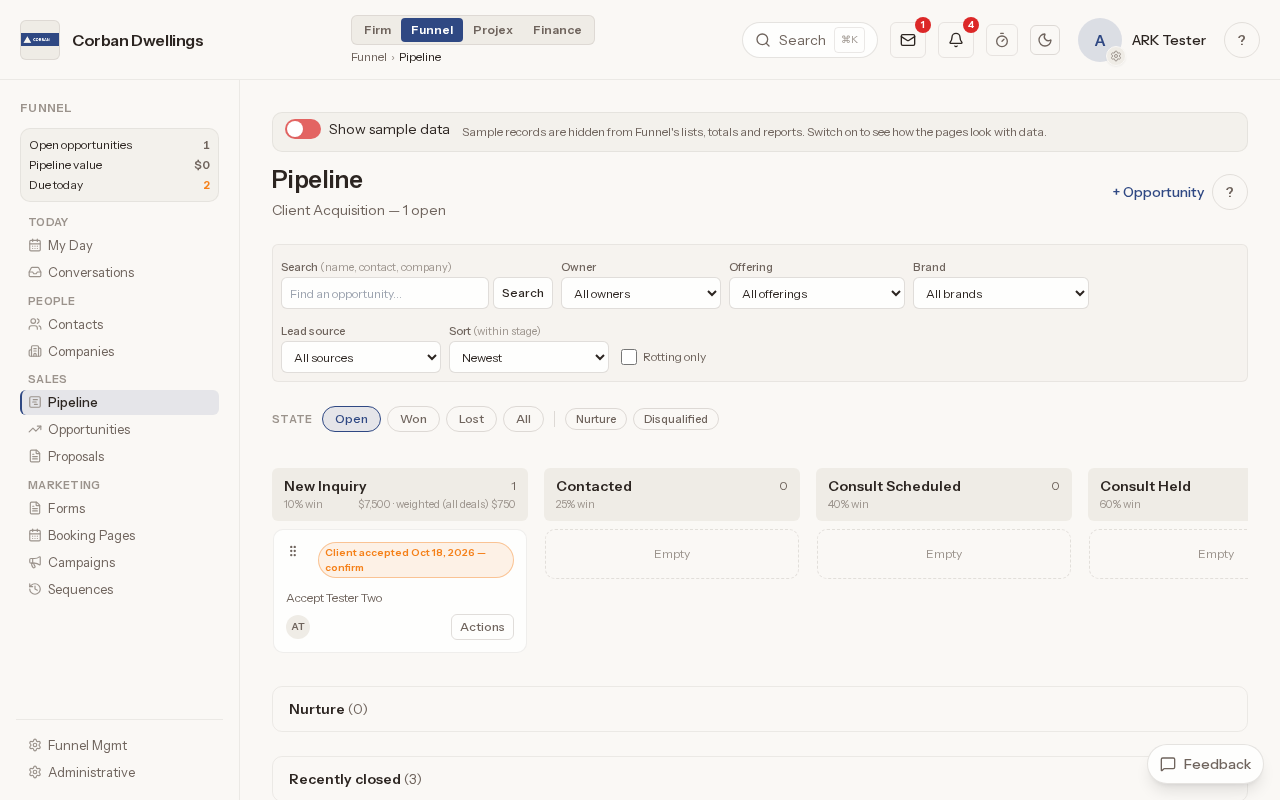
Funnel CRM
Contacts, companies and a pipeline of opportunities, fee proposals clients accept online, and lead forms, booking pages, campaigns and sequences to bring in new work.
CRM software for architecture firms →Features
Win the work, design it, bid it, administer construction and close it out, with Finance and the portals alongside every phase. Each part below has its own page with what it does, who uses it and real screens.
01
Leads, proposals and the pipeline, before there is a project.
Contacts, companies and a pipeline of opportunities, fee proposals clients accept online, and lead forms, booking pages, campaigns and sequences to bring in new work.
CRM software for architecture firms →02
Phases, schedule, deliverables and client approvals.
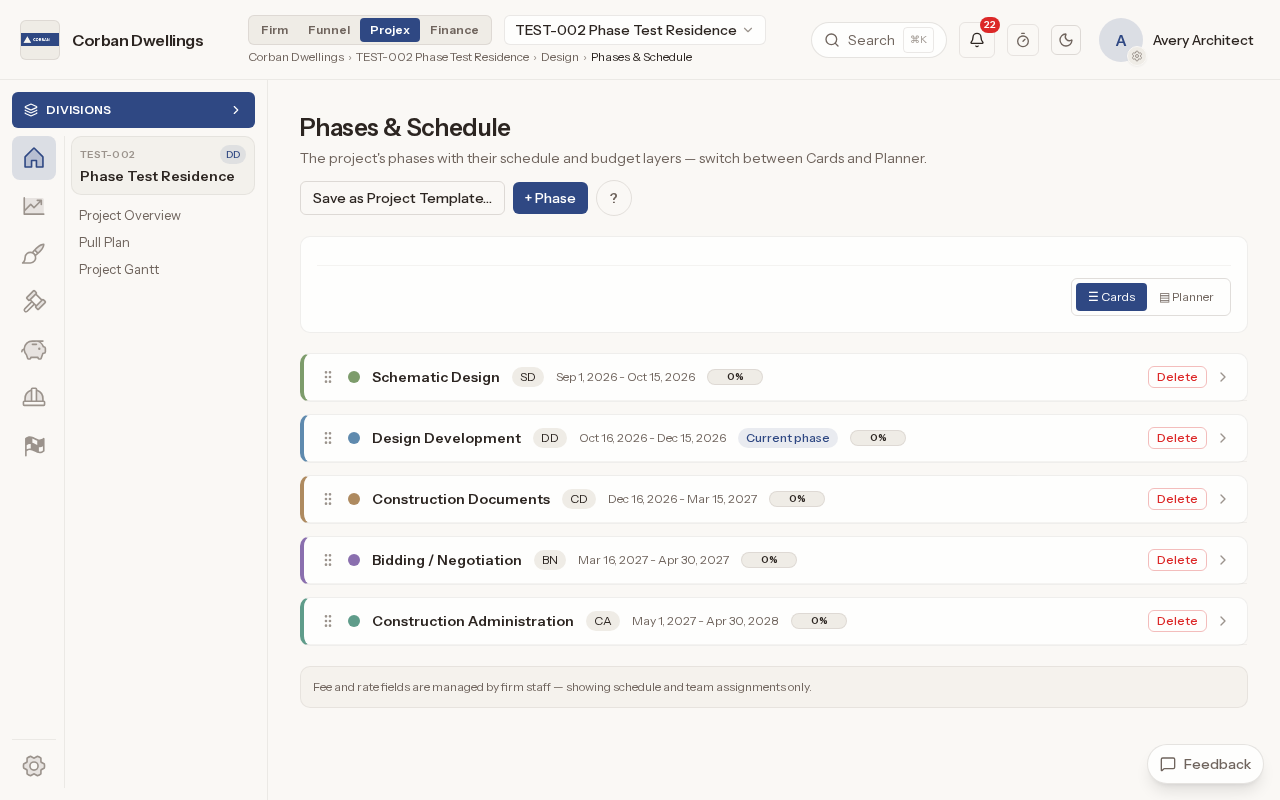
Phases and schedule, the Project and Firm Gantt, the Pull Plan, deliverable sets and 3D models, client inputs, design decisions, approval meetings and permitting, for the whole design phase of a project.
Design phase project management for architects →03
Bid documents, bidders, tabulation and value engineering.
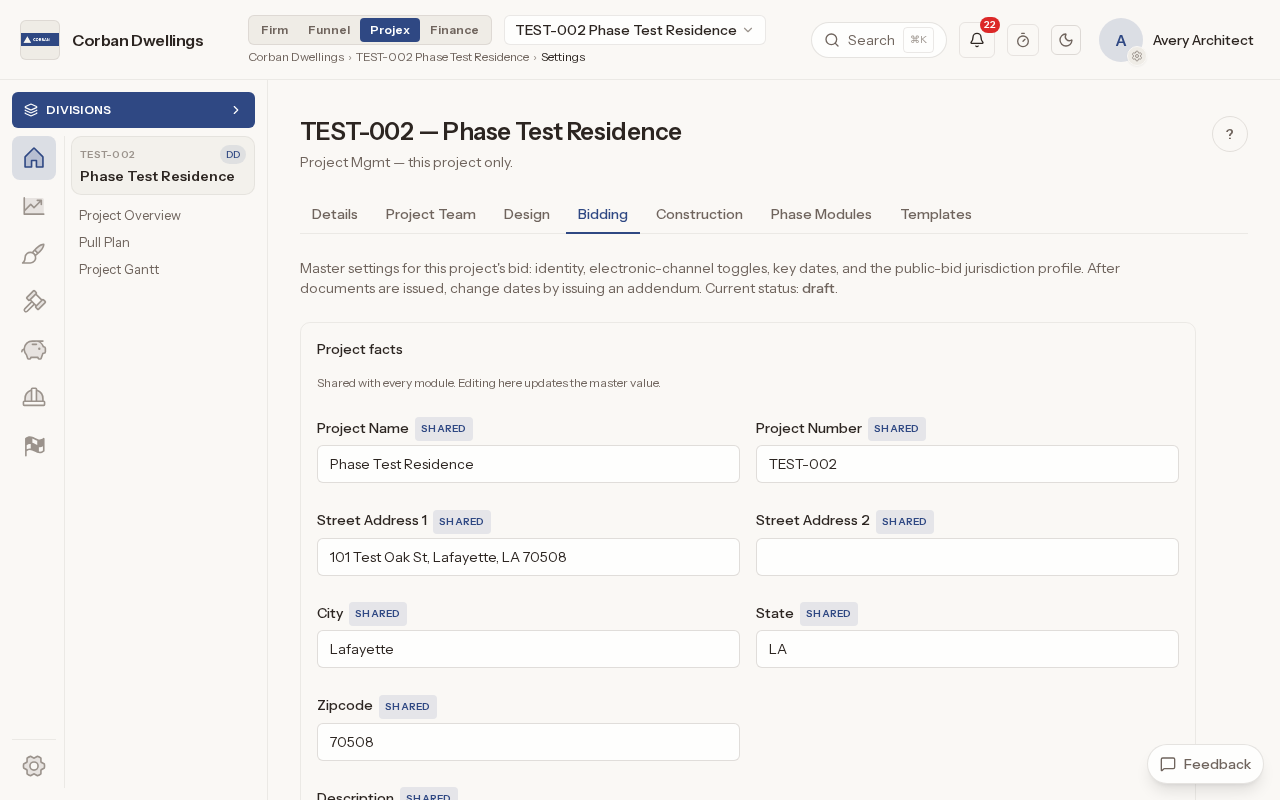
Bid drawings, the Project Manual and addenda on a public or password-protected bid site, with bidder questions, substitution requests, planholders, sealed bids, the bid tabulation and value engineering in one place.
Bid management software for architects →04
Construction administration, from the issued set to the last pay application.
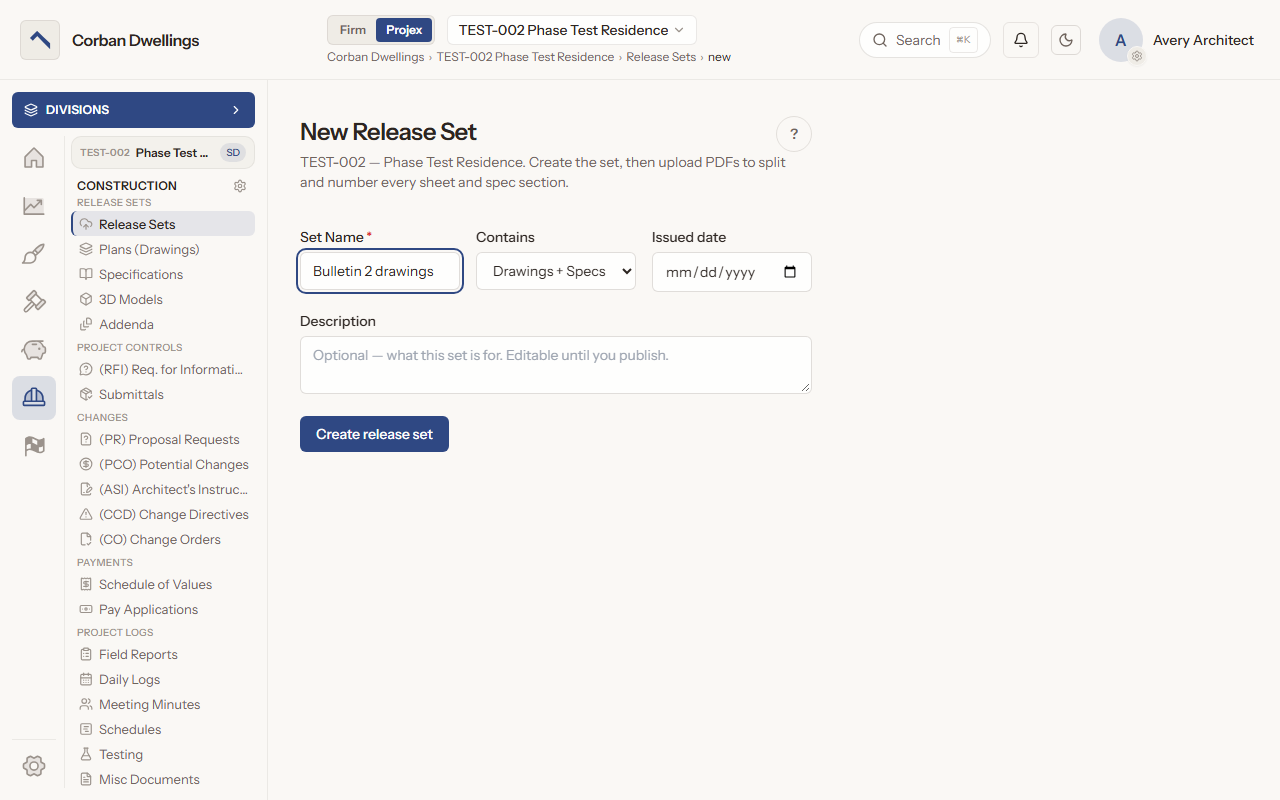
Release sets split your drawing and spec PDFs into numbered sheets and sections; publishing puts the current set and its revision lineage in front of everyone on the project, beside the construction addenda log.
Drawing and specification management for architects →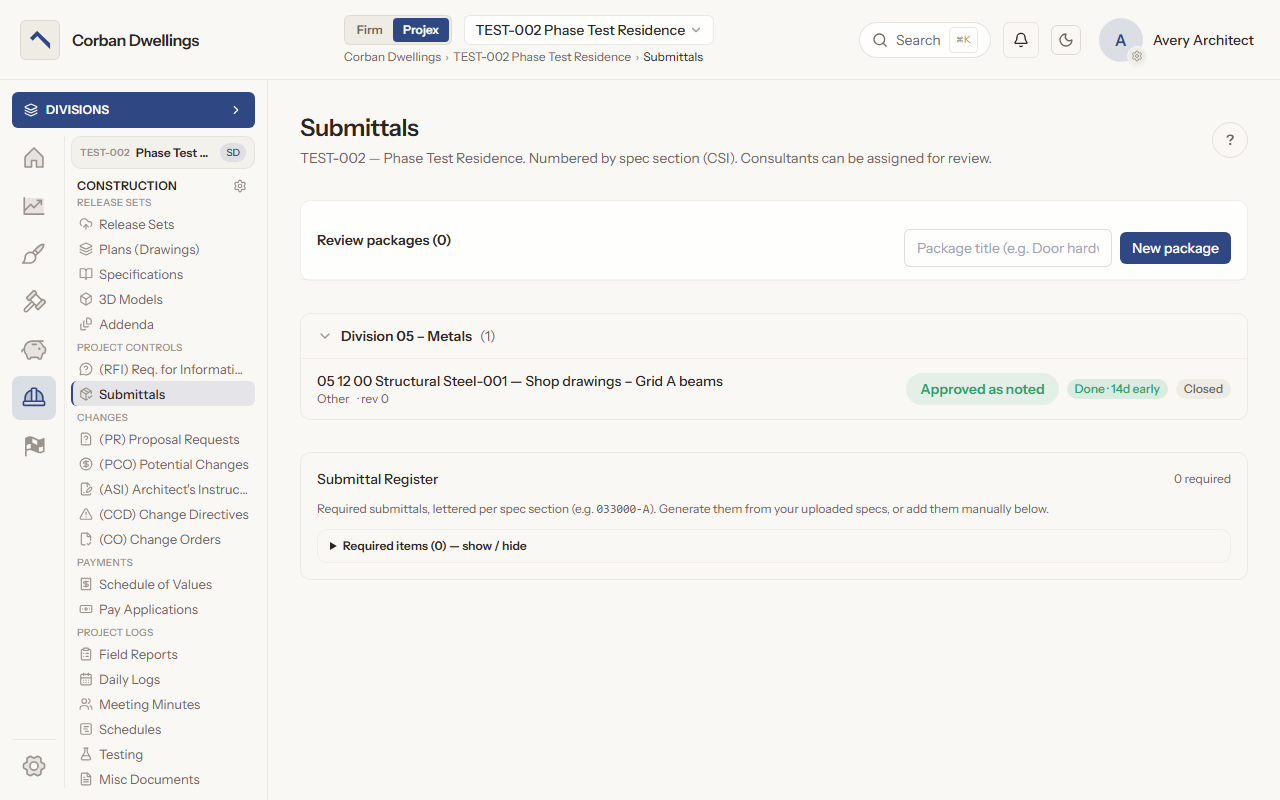
Shop drawings, product data, samples and certificates by spec section: the contractor submits, you review in the browser, a consultant weighs in when needed, and the determination is stamped on the record.
Submittal log software for architects →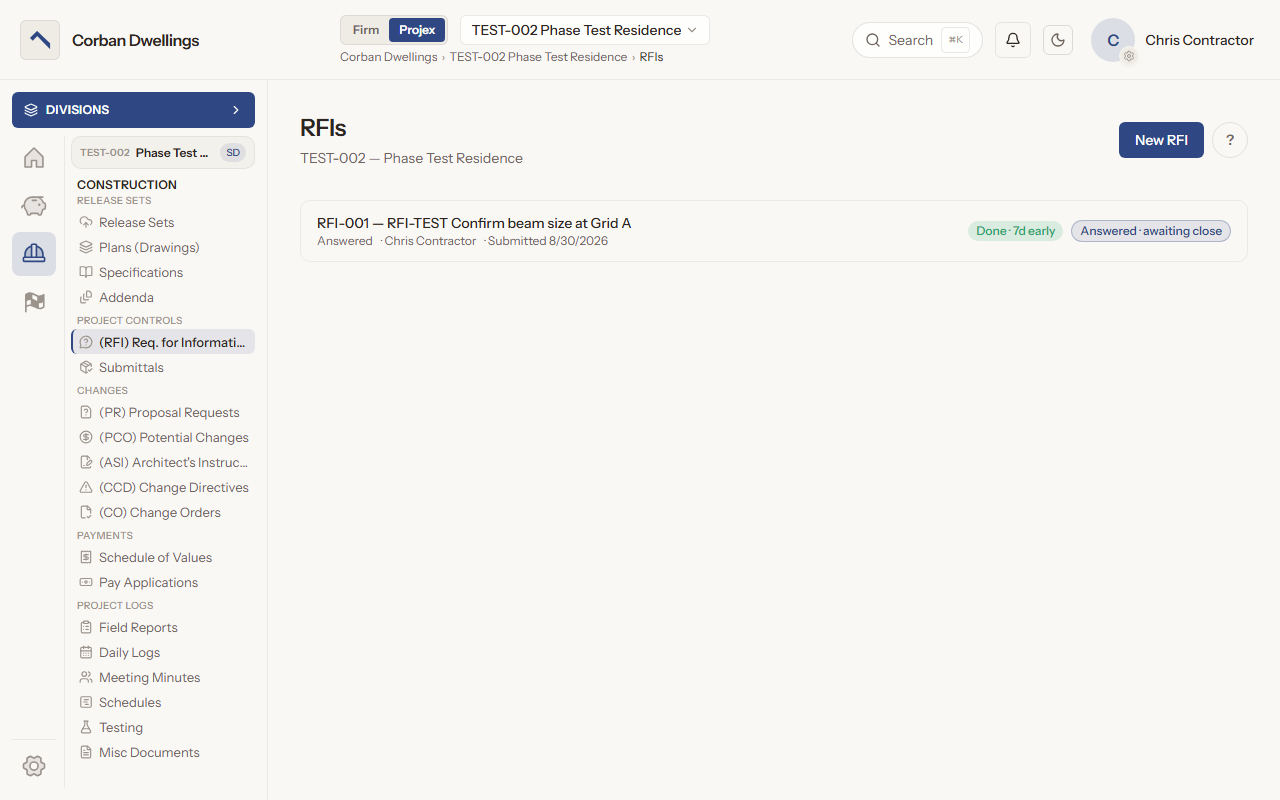
Contractor questions with a response due date: the contractor submits, you claim the RFI, send it to a consultant when you need one, draft the answer with the AI Assistant and post the formal response.
RFI management software for architects →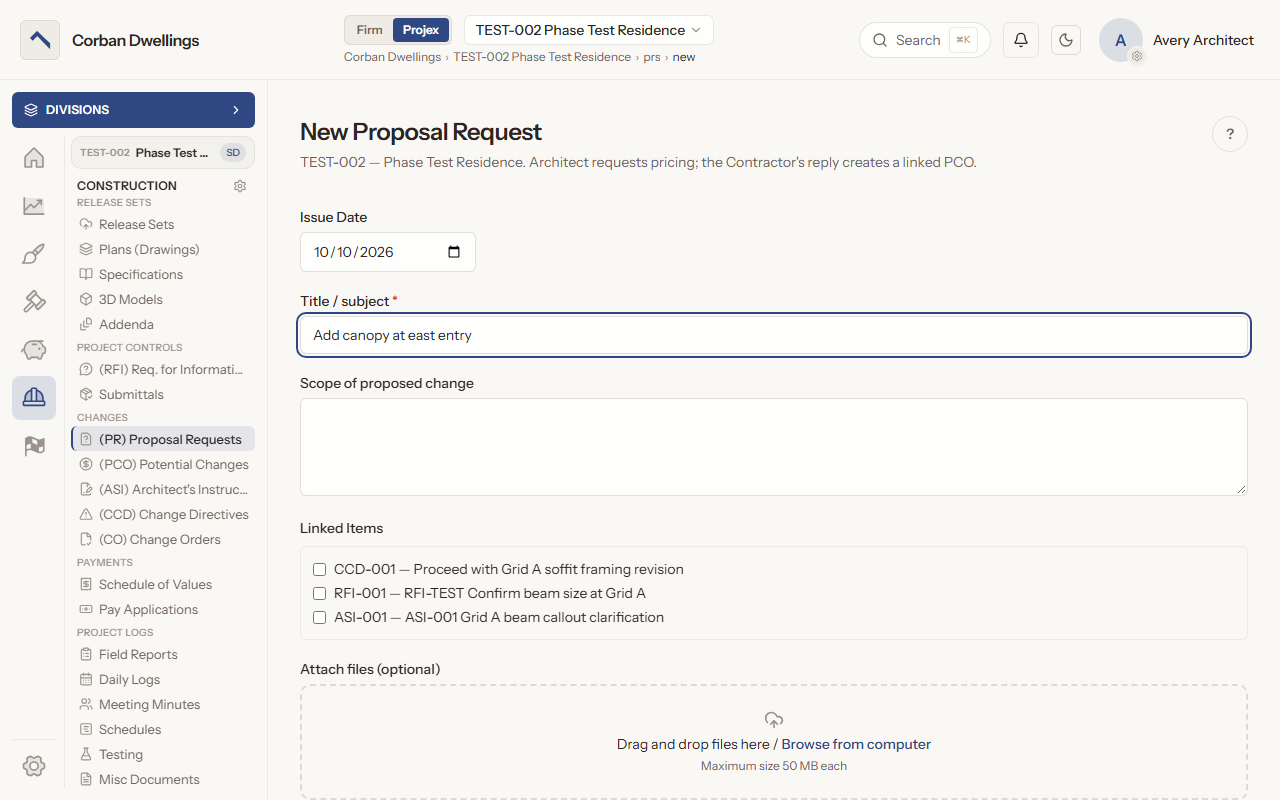
Proposal Requests, Potential Change Orders, ASIs, Construction Change Directives and Change Orders in one chain, with the current contract and the days remaining at the top of the Change Orders page.
Change order management software for architects →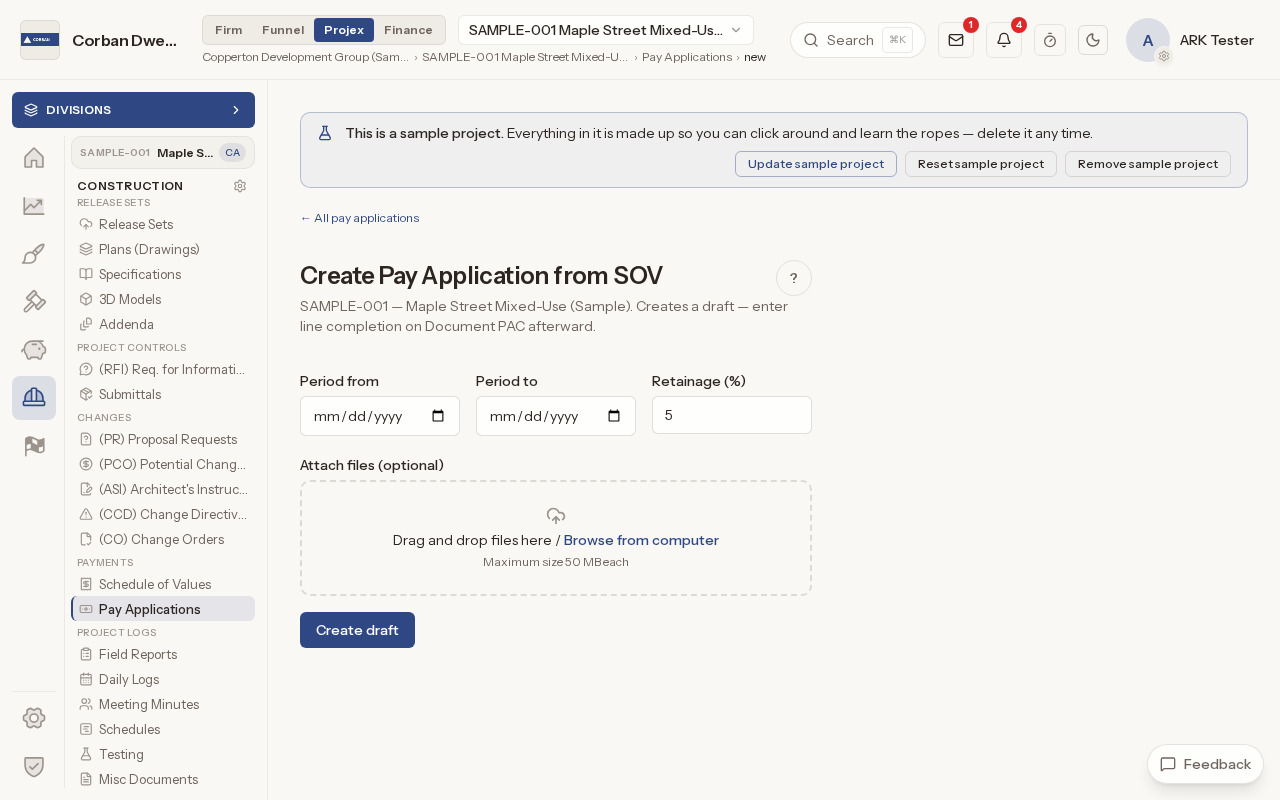
The contractor's monthly bill against the Schedule of Values: work completed line by line, an electronic signature, and your review and certification, with retainage and open punch list value accounted for.
Pay application software for architects →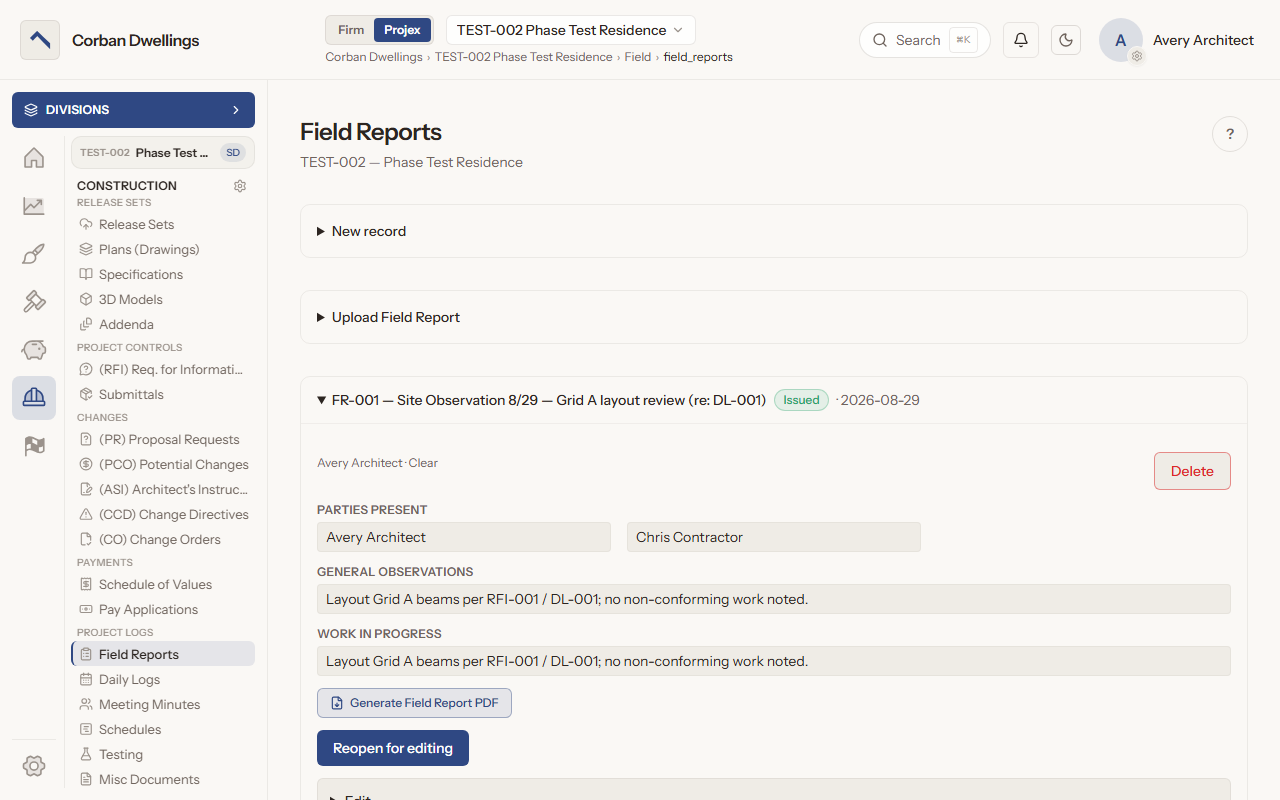
Site observation reports with the weather filled in and non-conforming items tracked to resolution, beside the contractor's daily logs, testing and inspection reports, construction schedules and miscellaneous documents.
Field report and daily log software for architects →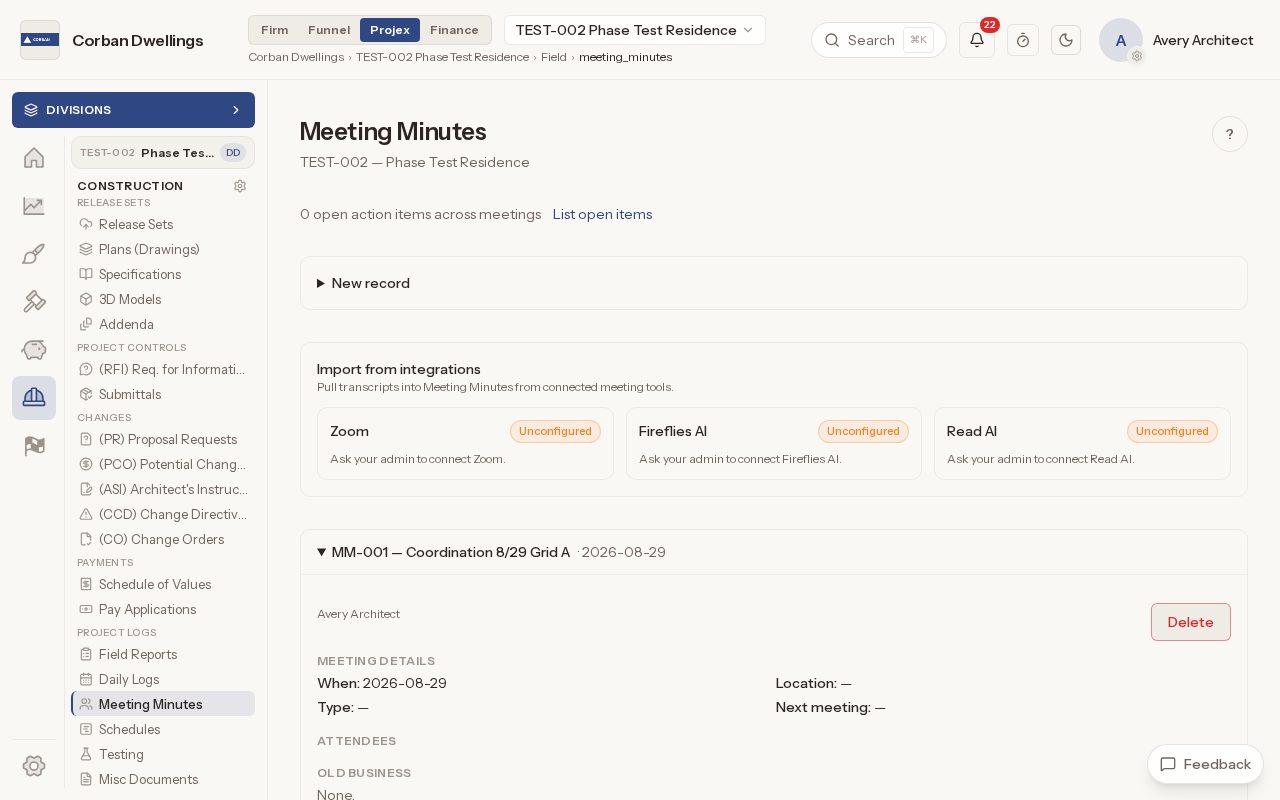
OAC, progress and preconstruction meetings in one structure, with action items that carry forward, transcripts imported from Zoom or Fireflies AI, and minutes printed one meeting at a time.
Meeting minutes software for architects →05
Punch, closeout documents and substantial completion.
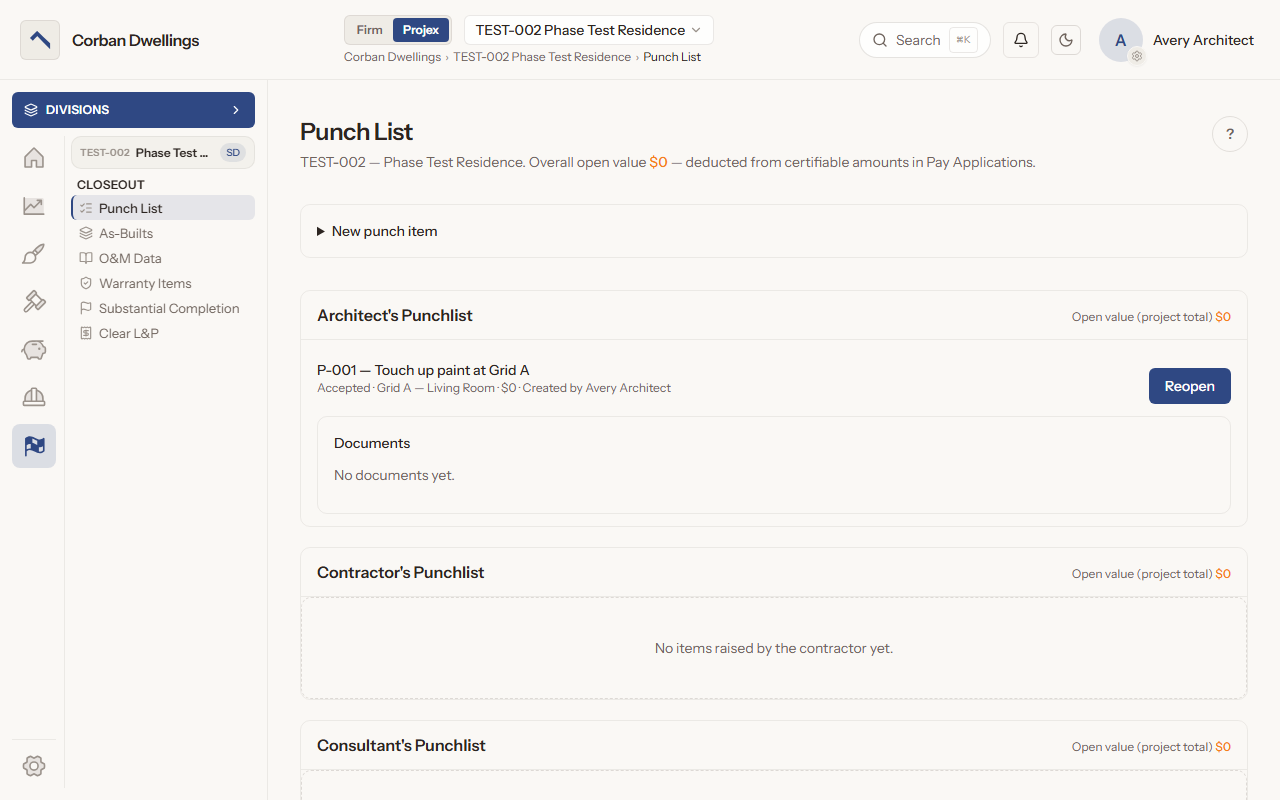
Punch items grouped by the party that raised them, with their open value held back from pay applications; as-builts, O&M data, warranties and lien releases reviewed and closed; and the official Substantial Completion date.
Punch list and closeout software for architects →06
Time, expenses, invoices and the firm's numbers.
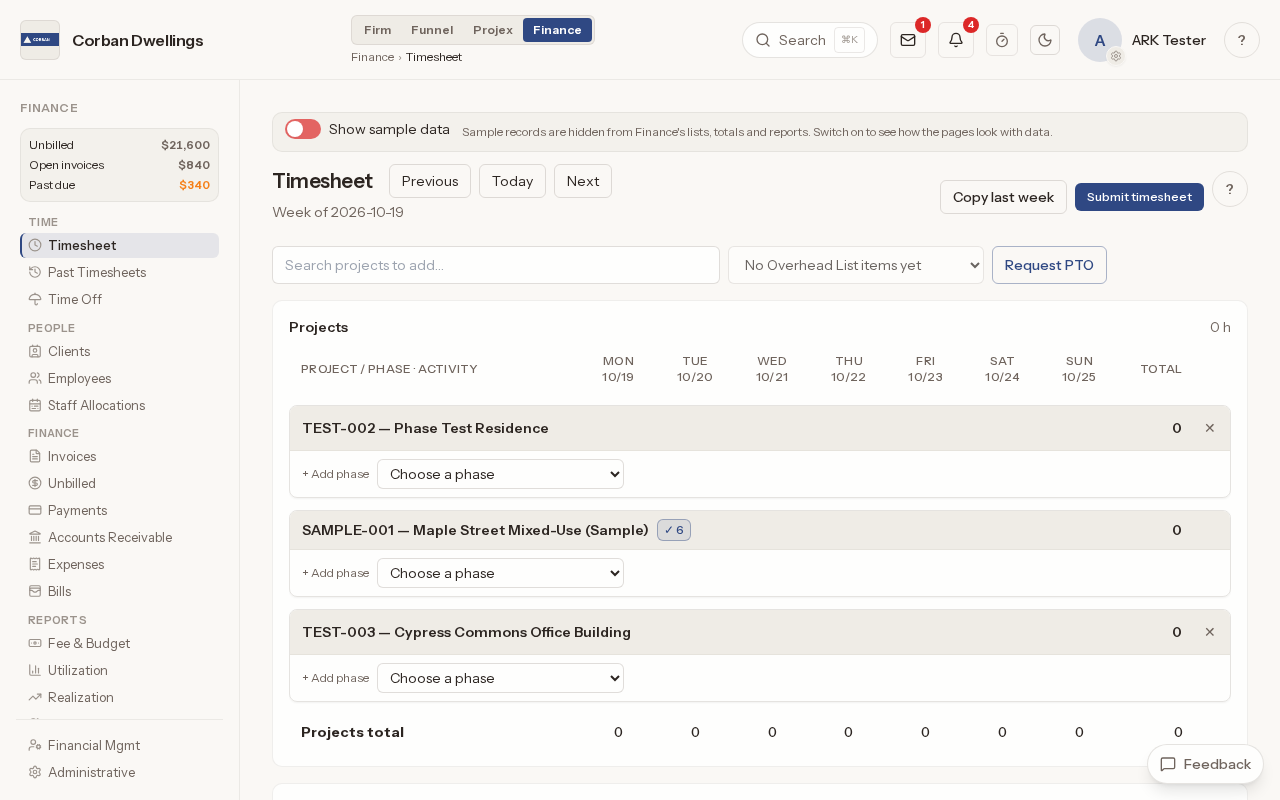
Weekly timesheets by project phase, time approval, PTO and holidays, and expenses logged with receipts and mileage. Approved hours and expenses are what your invoices bill.
Timesheet and expense software for architects →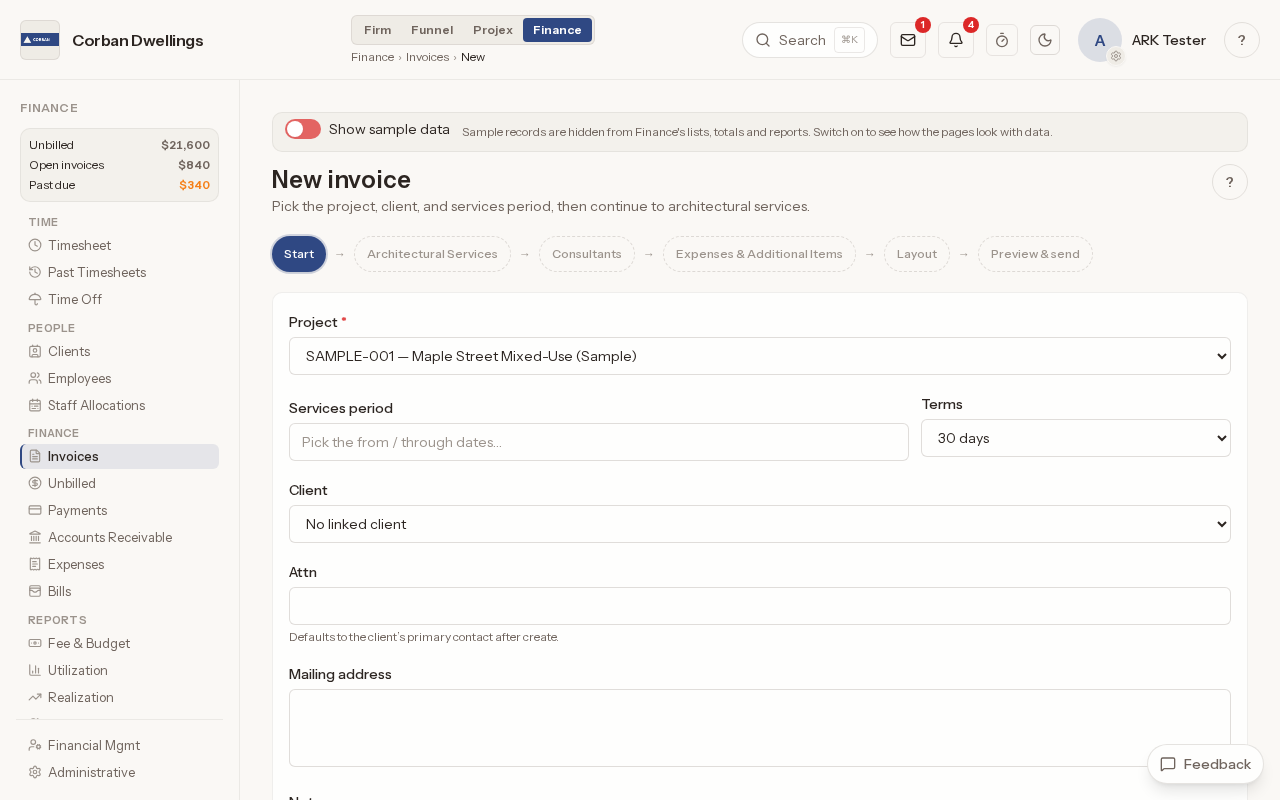
Invoices built from phase fees, time and expenses and emailed with a pay link, plus payments, receivables by age, fee budgets, bill rates, financial reports and a QuickBooks link.
Invoicing and financial software for architects →07
Where clients and consultants take part.
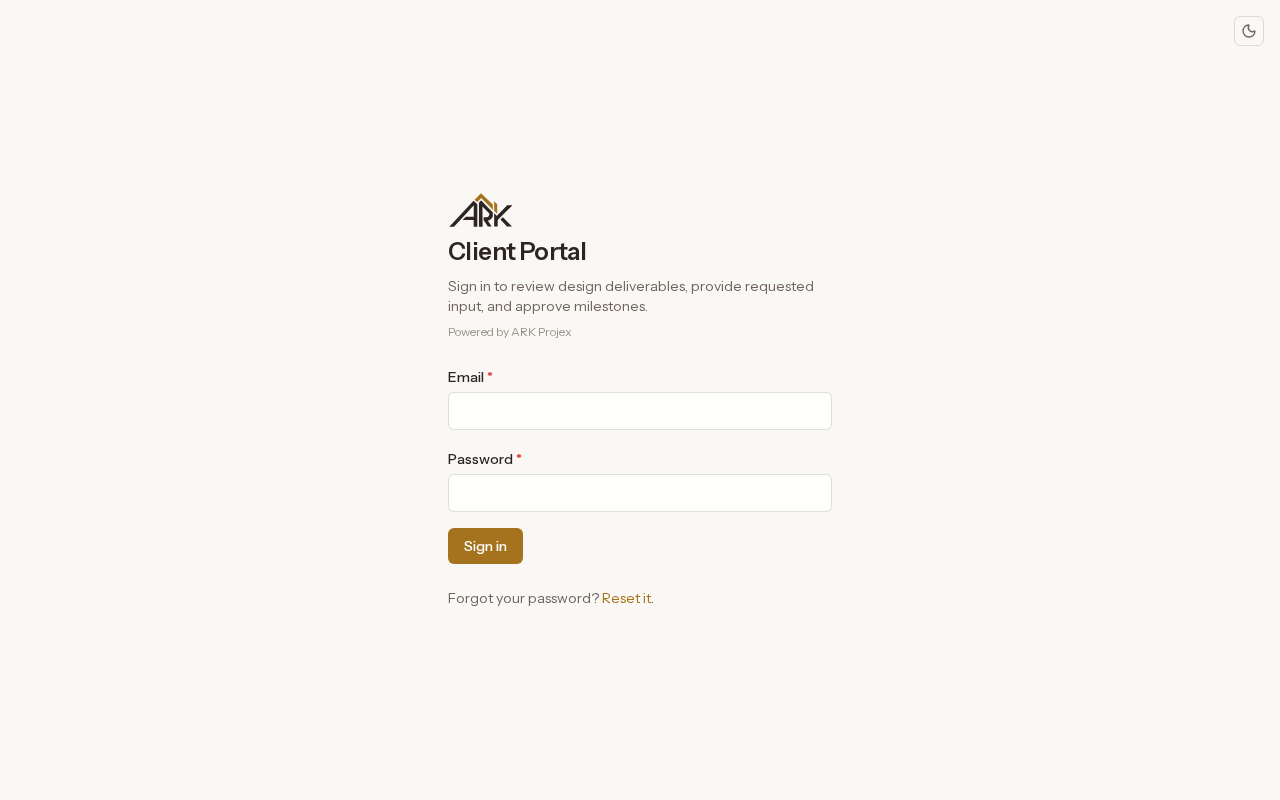
One sign-in for each client to follow the design: the timeline, issued deliverables, shared 3D models, meetings and minutes, plus the questions and approvals you need from them.
Client portal software for architects →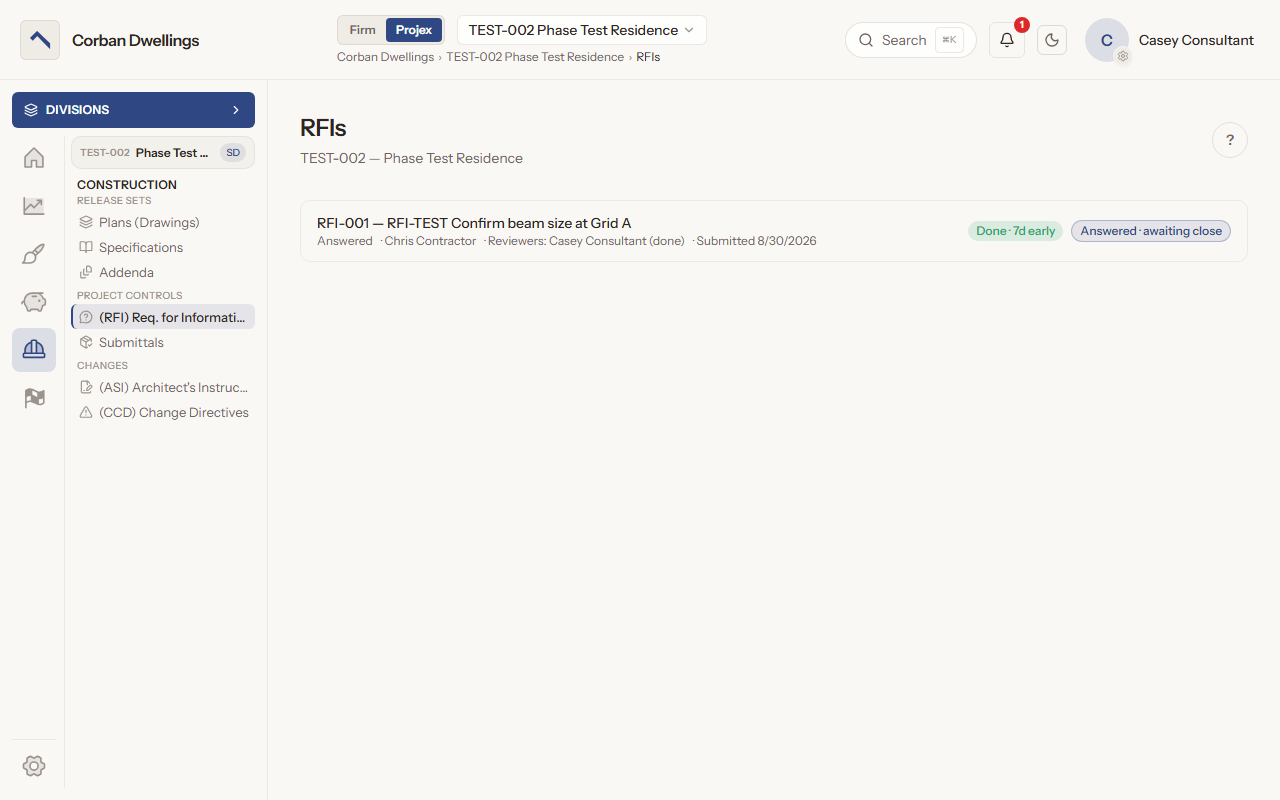
Consultant review of RFIs, submittals, PCOs and change directives, consultant deliverables and coordination RFIs during design, consultant fees by phase, and the firm's directory of consultant companies.
Consultant coordination software for architects →Every new workspace starts with a sample project, so you can see each screen with work in it before you add your own.