One client login for every project
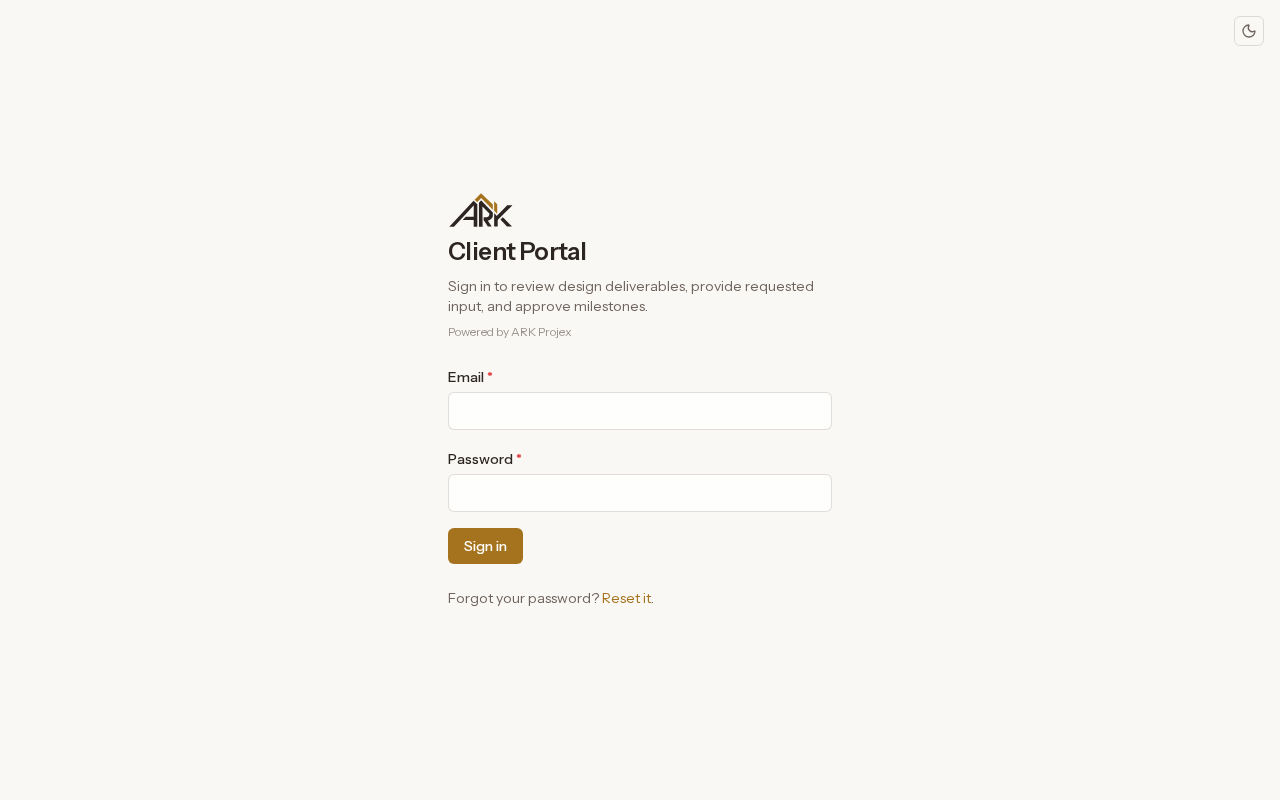
You send a portal invite by email and the client sets a password. One email has one portal account for every project they are on, and they switch projects from the "Project" list.
Portals, alongside every phase
Your client signs in to follow the design, download what you have issued and answer your questions. Their decisions on milestones are recorded there too.
What it does
You send a portal invite by email and the client sets a password. One email has one portal account for every project they are on, and they switch projects from the "Project" list.
"Project timeline" lists each milestone with its code, name and status: Not Started, In Progress, In Review, Awaiting Approval, Completed or Skipped.
Under "Your deliverables", each set you issue shows its name, version and milestone, and the client opens each file to save it.
Your questions appear under "Action needed" for the client to answer or acknowledge. When a milestone needs a decision, they choose "Approved", "Approved as Noted" or "Revise & Resubmit", with notes when they do not fully approve.
Models you share open in a viewer from "3D Models". "Meetings" shows each scheduled meeting's date, place or join link and what to bring, and its minutes once they are published.
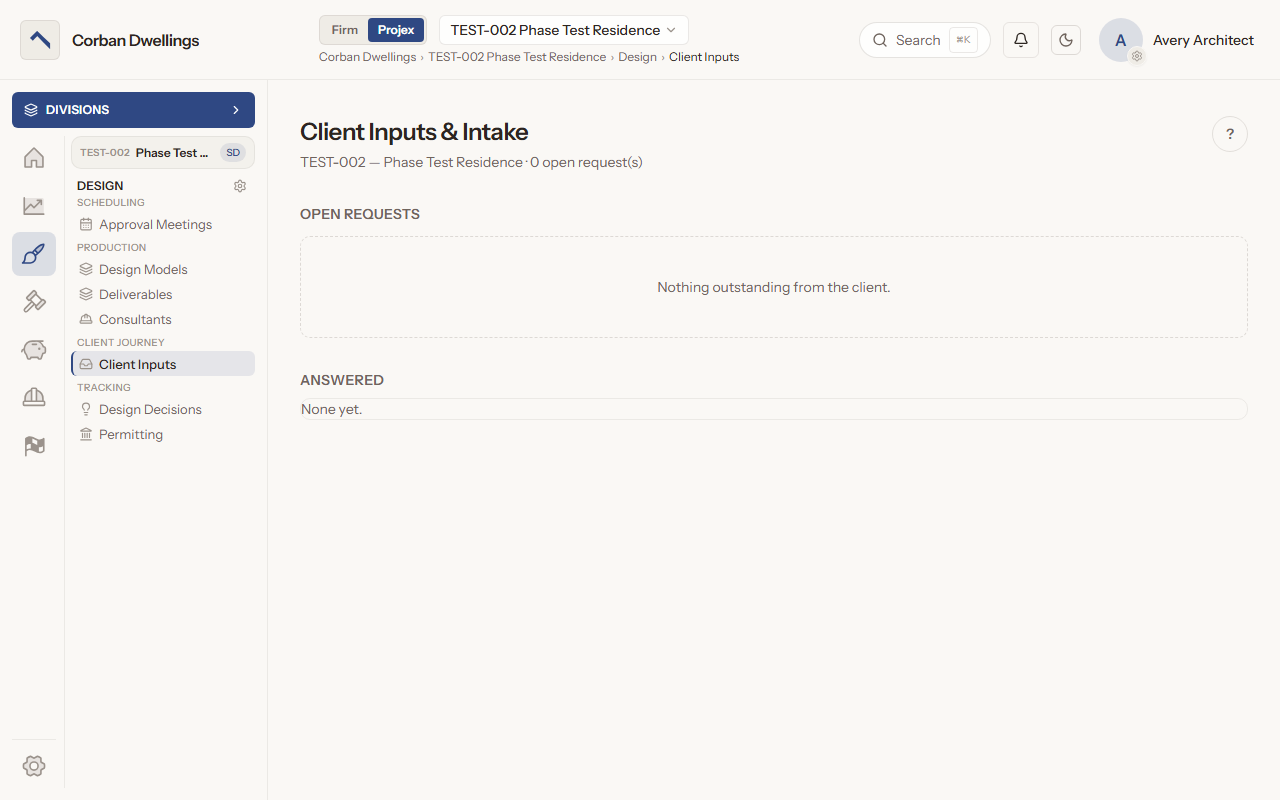
Client Inputs lists what the firm still needs from the client and marks a request past its due date "Overdue". Staff can record an answer the client gave by phone or email, and it is logged on Design Decisions.
Real screens from the sample firm every new ARK workspace starts with.
Included with every plan, and contractors, consultants and clients never need a paid seat.