Design phases, milestones and fee budgets
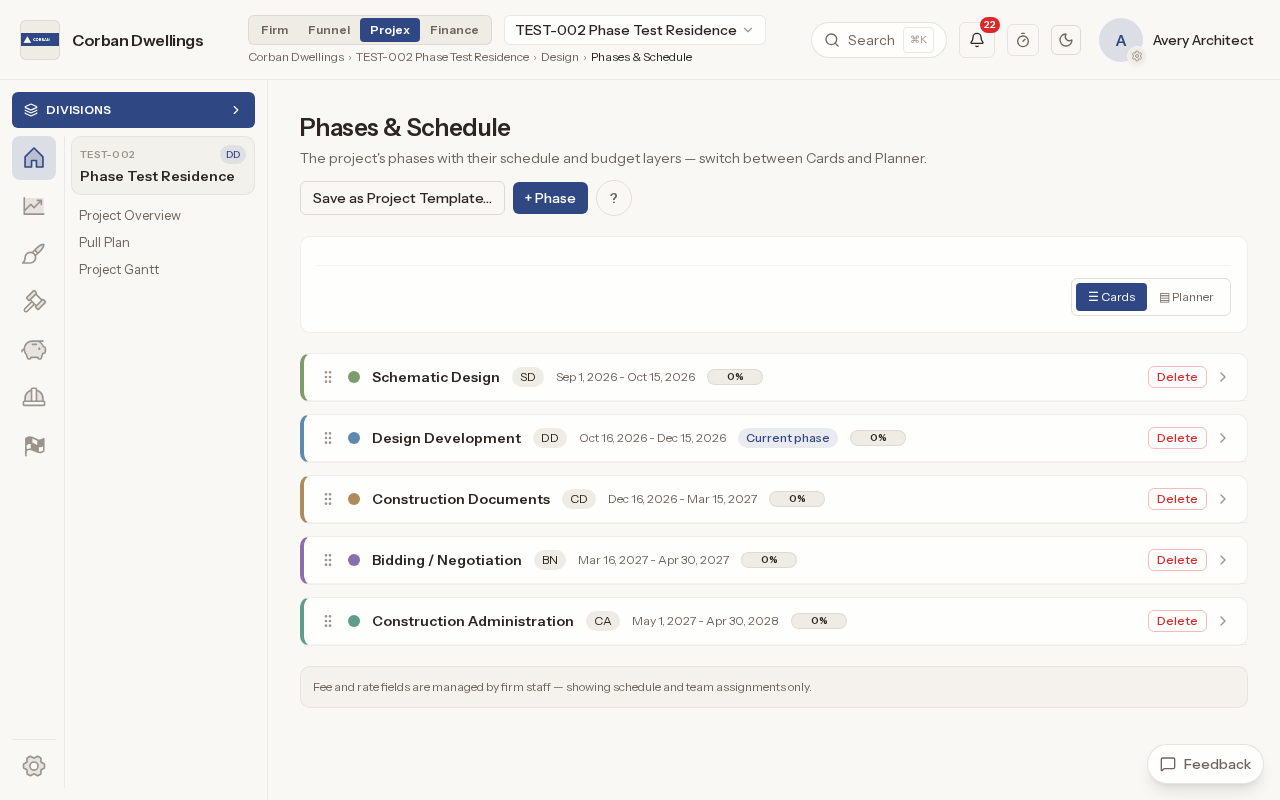
Start from the firm's "Standard AIA phases" template or your own templates, then set each phase's dates, milestones and tasks on Phases & Schedule. Staff with a Finance seat also see each phase's fee, the project's fee targets, fee changes and consultant fees.
A Gantt chart for every project and the whole firm
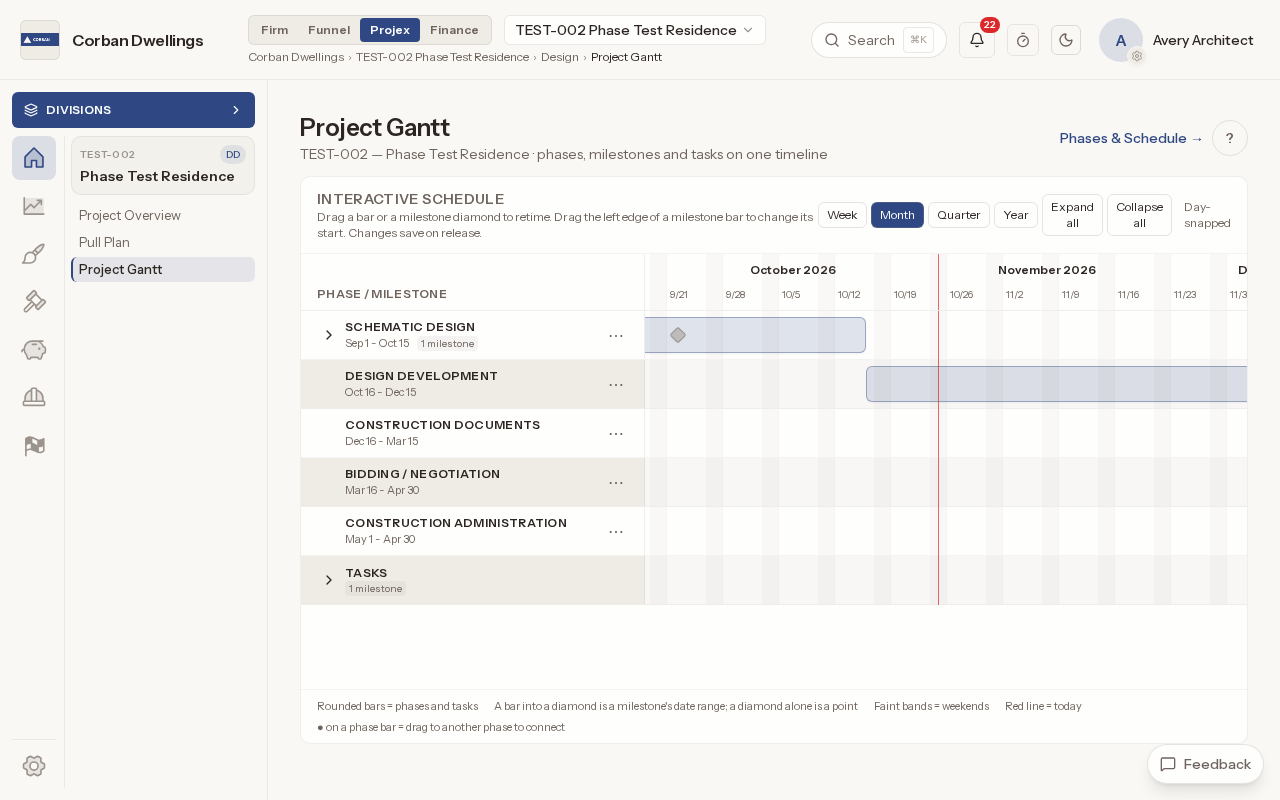
The Project Gantt shows the phases, milestones and tasks on one timeline: drag a bar to retime it, or connect phases to show the critical path. The Firm Gantt puts every active project on one timeline with a "TODAY" line, so you can see which months are crowded before the work arrives.
Pull planning and look-ahead schedules
The Pull Plan shows the work as cards in weeks, with "Plan", "Look-ahead", "Week plan", "Constraints" and "People" views. Team members claim a card with "I've got this", mark it done and log time on it straight to their timesheet.
Issue design deliverables and 3D models to the client
Upload each milestone's drawing set, issue it for internal checking, then issue it to the client, which publishes it to the Client Portal. A set with the same name becomes the next version. Revit, IFC and other 3D models open in a viewer, and a ready model can be made "Visible to client".
Client inputs, design decisions and approval meetings
Client Inputs lists the answers, approvals and owner-supplied items you need from the client, who answers in the Client Portal; each answer is logged on Design Decisions. When a milestone's tasks are done, ARK can draft its approval meeting for you to schedule, mark held and publish the minutes to the client.
Track permit submissions and agency comments
Follow each submission to a building department or other agency from "Preparing" through corrections to "Issued" with the permit number. The agency's comments and your responses stay with each submission.
Design workflow templates and automations
The Workflow Director holds each project's phases, milestones and steps, and the automations that run when something happens, such as notifying the PM when a milestone is completed. Save a project's workflow as a firm template for the next project.