OAC and progress meeting minutes
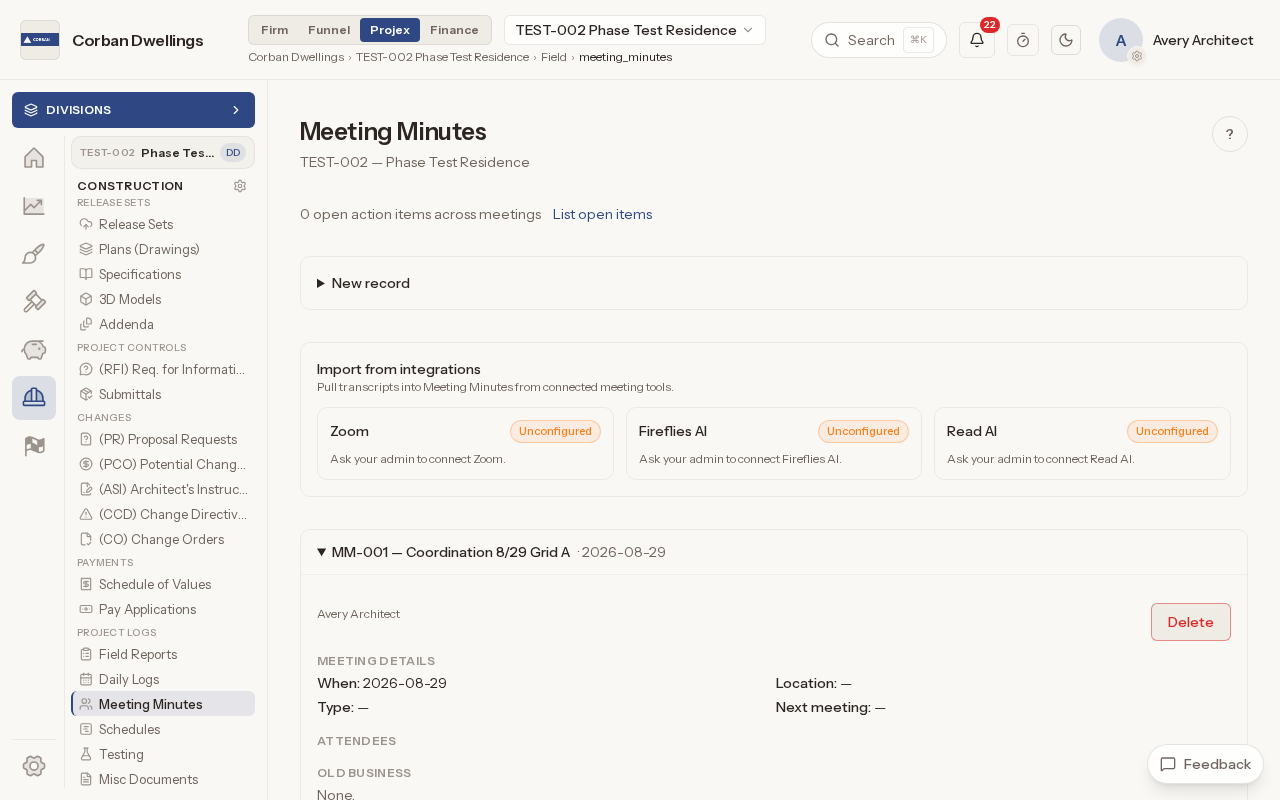
Press "New record", choose the meeting type (Progress, OAC, Preconstruction, Design or Other), and add the date and time, the location, the next meeting and your general notes.
Construction
Every project meeting is recorded the same way: the meeting details, who attended and the action items. Open items carry forward to the next meeting until they are done.
What it does
Press "New record", choose the meeting type (Progress, OAC, Preconstruction, Design or Other), and add the date and time, the location, the next meeting and your general notes.
Add project members from the list, or type in anyone else by name, and untick "Present" for anyone who was absent.
Each action item has a description, a responsible person, a due date and a status: "Open", "Done" or "Carried".
"Start next meeting from this one" copies the meeting type and attendees and moves every open and carried item into "Old business". Items marked done stay on the meeting where they were closed.
"List open items" gathers the open action items from every meeting, with the responsible person, the due date and the meeting each one came from.
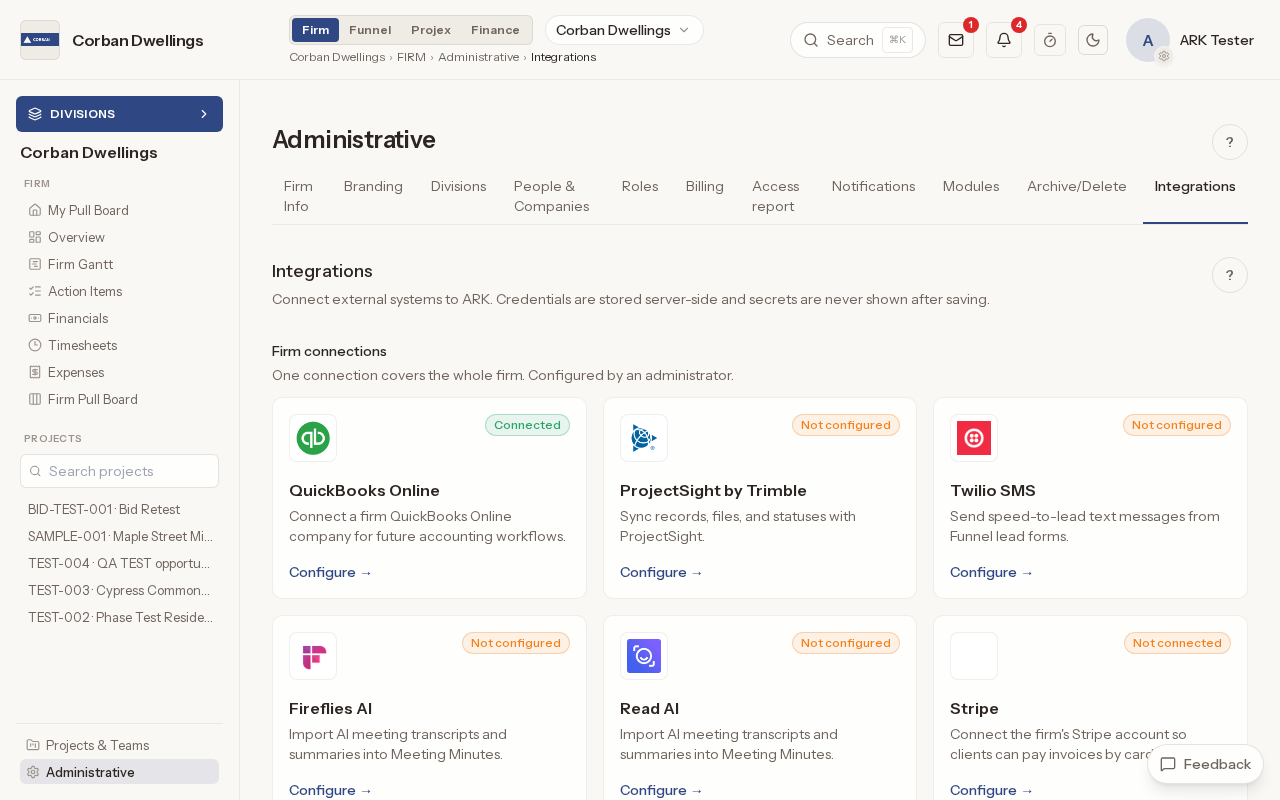
Once your firm connects Zoom or Fireflies AI under Integrations, pick a recording or transcript and import it; each one becomes a meeting record. Each person can also connect their own Zoom account from their profile.
"Print meeting minutes" prints one meeting: the details, the attendees, old and new business, the general notes and the names of its documents.
Real screens from the sample firm every new ARK workspace starts with.
Construction is $69 per active project, per month, à la carte, and it is included in ARK Unlimited. Contractors, consultants and clients take part free.