Construction

Drawing and specification management for architects

Upload the PDFs of an issued set, check what ARK read from each title block, and publish. The sheets land on Plans (Drawings) and the sections on Specifications, with every earlier revision kept underneath.

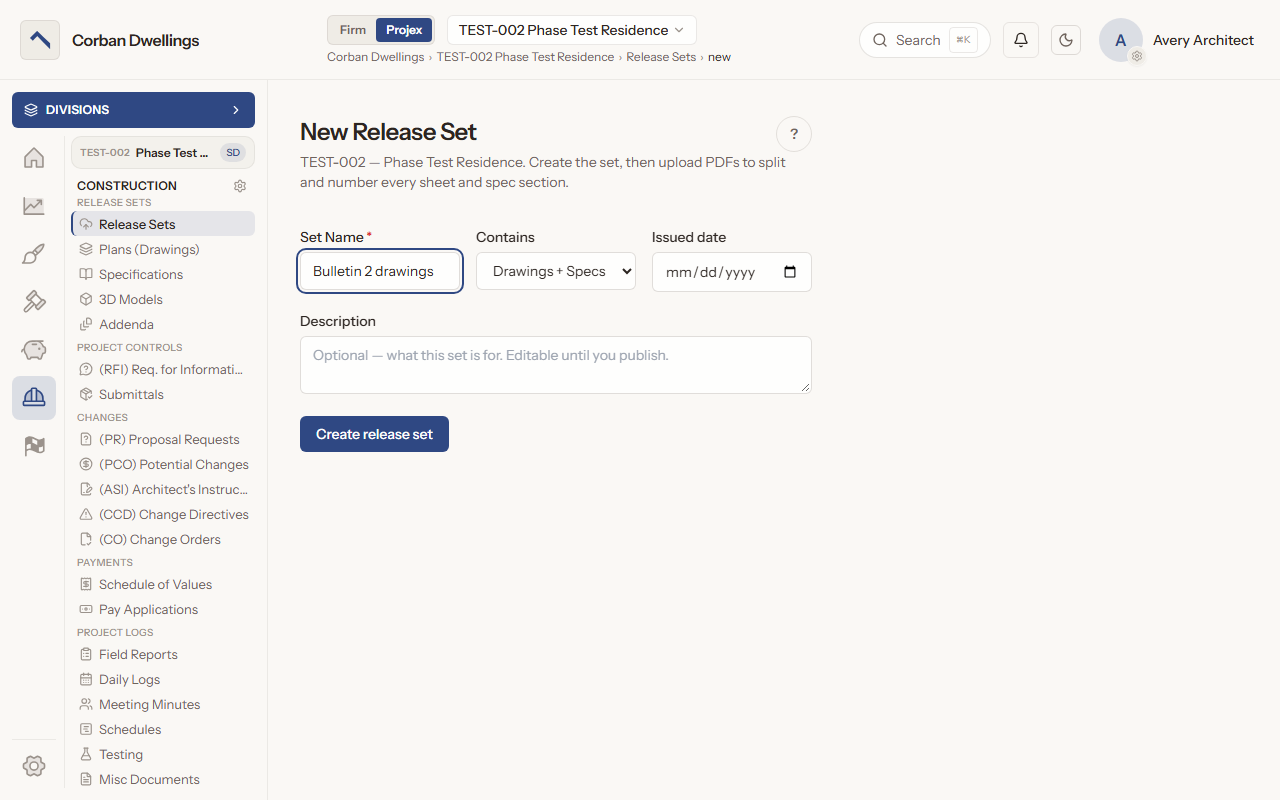
The New Release Set form, with the set name, what the set contains, the issued date and a description.

What it does

What Drawings and Specifications does

Split drawing PDFs into sheets automatically

Create a release set, upload drawing PDFs, spec PDFs or an addendum, and press "Process". ARK splits them into sheets and specification sections and reads each title block; anything it is unsure of is listed under "Needs review" for you to correct and confirm.
Publish issued drawing sets to the project

A Release Sets admin presses "Publish Release Set", and the set is finalized and locked: its sheets appear on Plans (Drawings) and its sections on Specifications. A set can also start from the bid drawings, Project Manual and bid addenda with "Import from Bidding".

Drawing revision history for every sheet

Each sheet number has one row with its newest revision, Rev Date and Issue Date, and earlier revisions sit in a lineage card under it. Download the current set as one PDF, or the set with every earlier revision.

Specifications organized by CSI division

Published sections are grouped by CSI MasterFormat division, with the same revision lineage and filters, and "Download current specs" saves the newest revision of every section as one PDF.

Ask questions of the published documents

Once a set is published, type a question in "Ask project documents". The answer lists its sources, and each source opens the page it came from.

Log construction addenda

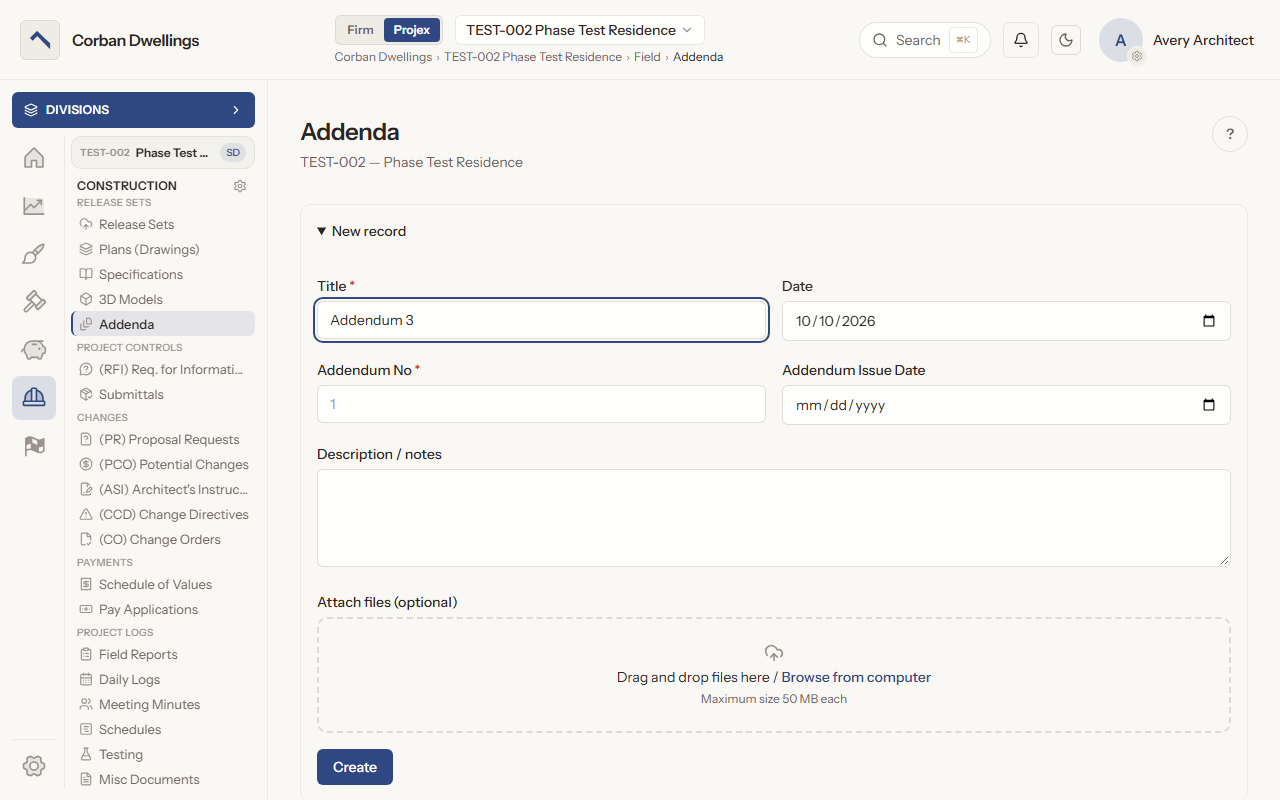
Record each addendum issued during construction with its number, issue date, description and files. An addendum that changes sheets is also issued as a release set, so Plans (Drawings) stays current.

View sheets in ARK View, mark up in reviews

"Open in ARK Viewer" opens a sheet or section to read, zoom and move between pages. Markup belongs to a review: on a submittal, RFI, potential change or pay application, "Review in ARK View" saves the markup with that record.

Drawings and Specifications on screen

Real screens from the sample firm every new ARK workspace starts with.

The New record form for a construction addendum, with the title, addendum number, issue date, notes and the file drop box.

Who uses it on the project

Your firm
Creates and processes release sets, confirms flagged sheets and sections, publishes them and logs construction addenda.
Contractor
Reads, filters and downloads every published sheet and section when their role includes Drawings or Specifications; sees published release sets only with the Release Sets permission.
Consultant
Reads, filters and downloads every published sheet and section when their role includes Drawings or Specifications; sees published release sets only with the Release Sets permission.

How it fits

  • Before: Bidding. A release set can start from the bid drawings, Project Manual and bid addenda with "Import from Bidding".
  • After: Submittals. The submittal register is built from the specifications in your published release set.
  • All features in the order a project runs.

What it costs

Construction is $69 per active project, per month, à la carte, and it is included in ARK Unlimited. Contractors, consultants and clients take part free.

Drawing Management Software for Architects | ARK Projex